How to see your clipboard history on Windows, Mac, iPhone, Android and Chromebook
On Windows, press Win + V. On a Mac with macOS Tahoe, press Cmd + Space and then Cmd + 4. On a Chromebook, press Search + V (Launcher + V). On Android, open the clipboard in your keyboard (Gboard or Samsung Keyboard). The iPhone has no clipboard history: it keeps only the last thing you copied. Each one keeps a few items for a short time and stays on that device. To keep everything and see it on every device, use a clipboard history in the cloud like Colurus.
Updated · Colurus
Quick answer
| Device | How to open it | What it keeps | Full guide |
|---|---|---|---|
| Windows 10 and 11 | How to open itWin + V (turn it on the first time) | What it keepsThe last 25 items; cleared on restart except pinned ones | Full guideWin+V alternative |
| Mac (macOS Tahoe 26) | How to open itCmd + Space, then Cmd + 4 | What it keepsRecent copies for 8 hours by default (30 minutes to 7 days) | Full guideThis page |
| iPhone | How to open itNo history: touch and hold → Paste | What it keepsOnly the last thing you copied | Full guideClipboard on iPhone |
| Android | How to open itClipboard icon in Gboard or Samsung Keyboard | What it keepsRecent copies; Gboard clears them soon, except pinned | Full guideClipboard history on Android |
| Chromebook | How to open itSearch + V (Launcher + V) | What it keepsThe last 5 items; cleared when you sign out or shut down | Full guideThis page |
| Colurus (any device) | How to open itcolurus.com in any browser | What it keepsEverything you save, until you delete it (200 items free) | Full guideBelow |
Checked on November 2, 2026 against Microsoft, Apple, Google and Samsung pages and tech press (see Sources). Menus can change a little between versions.
How to see clipboard history on Windows
- 1Press Win + V.
- 2The first time, Windows asks you to turn it on: click Turn on. From then on it saves what you copy.
- 3Click an item to paste it. Use the three dots to pin it, so it survives a restart.
It keeps the last 25 items (text, HTML and images up to 4 MB) and clears them when you restart, except the pinned ones. It can sync between Windows PCs with the same Microsoft account, but not with a phone. If it doesn't open, check Settings → System → Clipboard → Clipboard history. More in Win+V alternative.
How to see clipboard history on a Mac
Since macOS Tahoe (26), Spotlight has a clipboard history. Press Cmd + Space to open Spotlight, then Cmd + 4 to jump to Clipboard. It shows recent texts, images and screenshots you copied; click one to copy it again. You turn it on or off in System Settings → Spotlight, where you can also clear it. By default it keeps items for 8 hours, and since macOS 26.1 you can choose 30 minutes, 8 hours or 7 days.
On older versions of macOS there's no history: Finder → Edit → Show Clipboard only shows the last thing you copied. Universal Clipboard passes that one item to your iPhone or iPad, not to a Windows PC.
Clipboard history on iPhone
The iPhone has no clipboard history, not even in iOS 27. It keeps one item: copy something else and the previous one is gone. To paste, touch and hold a text box and tap Paste. A screenshot isn't copied either; it goes to Photos.
Where the clipboard is, how to see what's on it with Shortcuts, and how to keep a history: clipboard on iPhone.
How to see clipboard history on Android
Android itself keeps only the last thing you copied. The history is in your keyboard:
- Gboard: tap the clipboard icon at the top of the keyboard (turn it on the first time). It clears items shortly after you last use them, except the ones you pin.
- Samsung Keyboard: tap Clipboard in the keyboard toolbar. It shows copied items and recent screenshots; pin the ones you want to keep.
Step by step, with screenshots of each keyboard: clipboard history on Android.
How to see clipboard history on a Chromebook
Press Search + V (the Search or Launcher key, plus V). You'll see the last 5 things you copied, including text, links and images; click one to paste it. The history is cleared when you sign out or shut down the Chromebook.
One clipboard history on every device
Each system's history stays on that device, keeps only a few items and forgets them after hours or a restart. Colurus is a clipboard history in the cloud that works on Windows, Mac, iPhone, Android and Chromebook, in the browser: what you save on one shows up on the others, and it stays until you delete it.
- 1Open colurus.com on each device and sign in with the same Google account.
- 2On a computer, press Ctrl + V (Cmd + V on a Mac) in Colurus. On a phone, copy something and tap Paste, or Choose image for a photo or screenshot. Phones don't let apps read the clipboard in the background, so on the phone you send each thing with one tap.
- 3It shows up on your other devices right away. Click or tap it to copy it again, or search for it later.
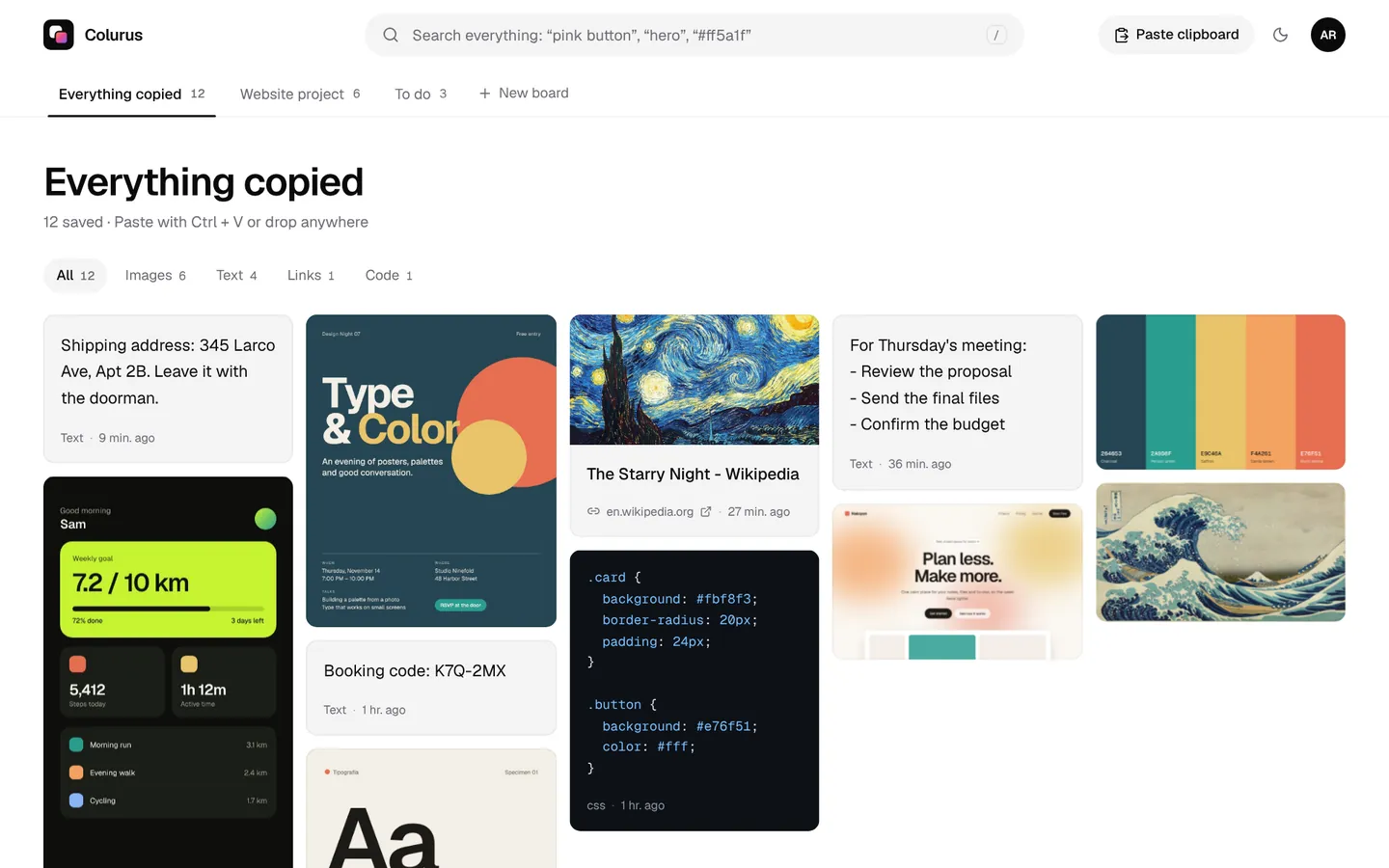
Sign in with Google. Free: 200 items, 2 boards and AI on every image you save.
Try Colurus freeYour clipboard history, in Chrome too
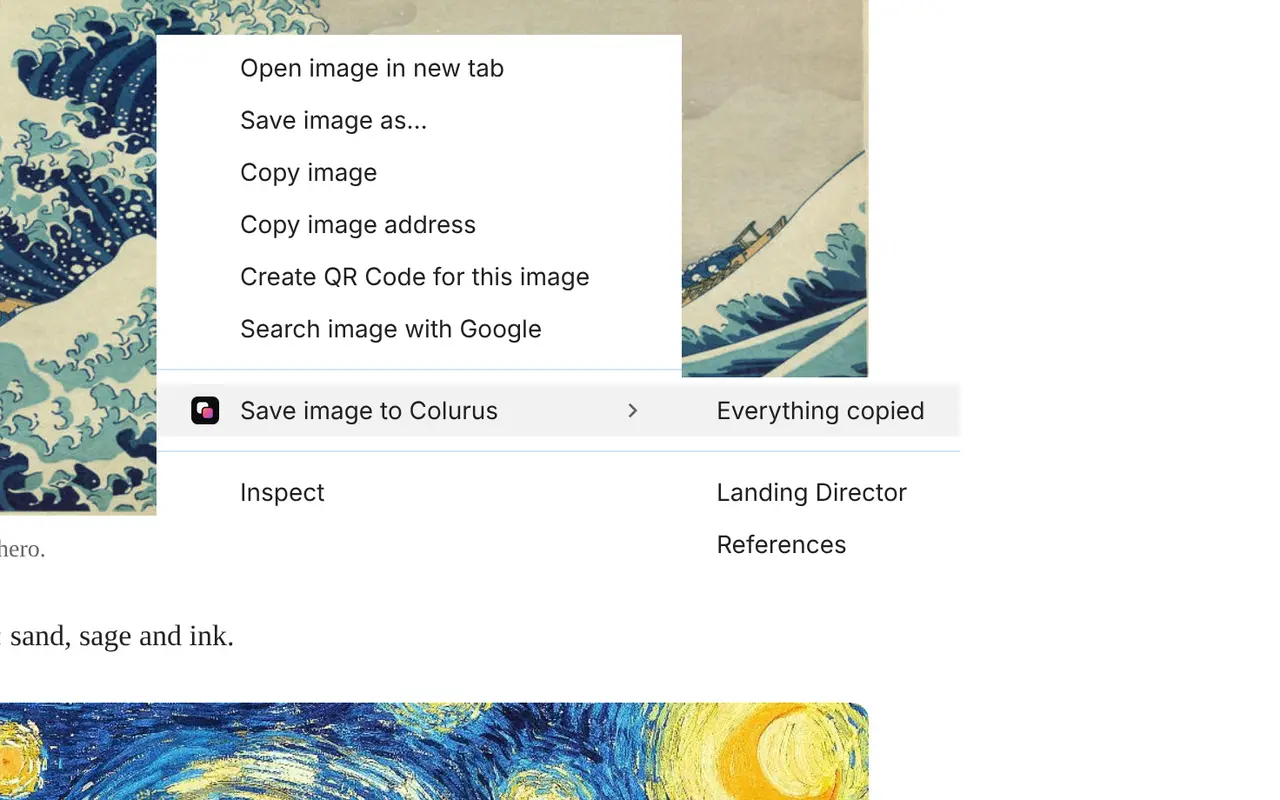
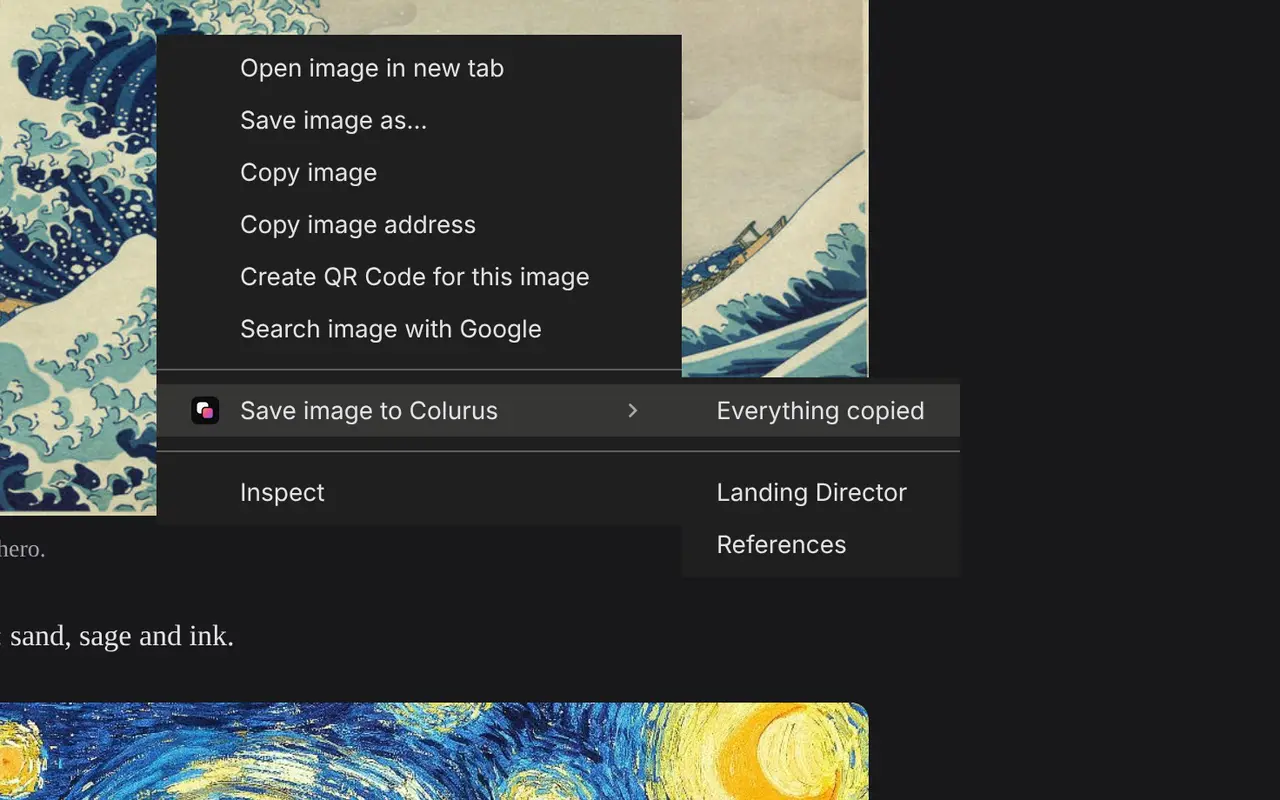
Save text, links and images from any page with a right-click, and copy them back from the popup or the side panel without leaving the tab. What you save stays in your Colurus, on your phone too.
Frequently asked questions
How do I see my clipboard history?
+
On Windows, press Win + V. On a Mac with macOS Tahoe, Cmd + Space and then Cmd + 4. On a Chromebook, Search + V. On Android, the clipboard icon in Gboard or Samsung Keyboard. The iPhone has no clipboard history.
Why is my clipboard history empty on Windows?
+
It's off until you turn it on (Win + V → Turn on, or Settings → System → Clipboard), and it's cleared on every restart except pinned items. It only saves what you copy after it's on.
Can I see things I copied days ago?
+
Not with the built-in histories: Windows forgets on restart, a Mac keeps up to 7 days, a Chromebook clears on sign-out and Gboard clears after a while. A clipboard history in the cloud like Colurus keeps what you save until you delete it.
Is there a clipboard history on iPhone?
+
No. iOS keeps only the last thing you copied. To keep a history on an iPhone, save what you copy to an app or a web clipboard like Colurus.
Can I see my phone's clipboard history on my PC?
+
Not with the built-in histories, which stay on each device (Windows only syncs between Windows PCs, and Universal Clipboard only between Apple devices). With Colurus, what you save on the phone shows up on the PC in the browser.
Is Colurus free?
+
Yes. The free plan keeps 200 items with no time limit; Pro is $7 a month for unlimited items. It runs in the browser; you sign in with Google.
Sources
- Microsoft Support: Using the clipboard in Windows (Win+V)
- MacMost: How to use the Spotlight clipboard history in macOS Tahoe (Cmd + Space, Cmd + 4)
- MacRumors (Nov 4, 2025): macOS Tahoe 26.1 lets you keep clipboard history 30 minutes, 8 hours or 7 days
- Apple Support: Select, cut, copy and paste text on iPhone
- Gboard Help: Copy & paste sections of text with Gboard (clipboard and pinning)
- SamMobile (Apr 16, 2022): How to use the clipboard in Samsung Keyboard
- How-To Geek: How to access the clipboard manager on a Chromebook (Search + V, last 5 items)
Facts about each app checked on November 2, 2026. If something changed, tell us and we'll fix it.