How to save a screenshot as PNG
- 1Take the screenshot. On Windows, press Win + Shift + S and pick an area. On a Mac, press Cmd + Ctrl + Shift + 4: the capture goes to your clipboard.
- 2Paste it here with Ctrl + V (Cmd + V on a Mac). To convert a file, drop it on the page or press Choose image.
- 3Download it or copy it. Download PNG saves the file; Copy PNG puts it back in your clipboard, ready to paste anywhere.
Convert JPG, WebP or AVIF to PNG
Some apps and forms only take PNG, and images from the web often come as WebP or AVIF. Drop the image here and you get the same picture as a PNG, at the same size. If it has transparency, the PNG keeps it.
PNG doesn't make a photo look better: a JPG turned into PNG looks the same and usually weighs more. It's the right format for screenshots, logos, text and anything with sharp edges or a transparent background.
Nothing is uploaded
The conversion happens in your browser. The image doesn't go to our servers unless you choose to save it to Colurus, so you can use it with screenshots that have private information.
Screenshots you'll need again? Keep them in Colurus
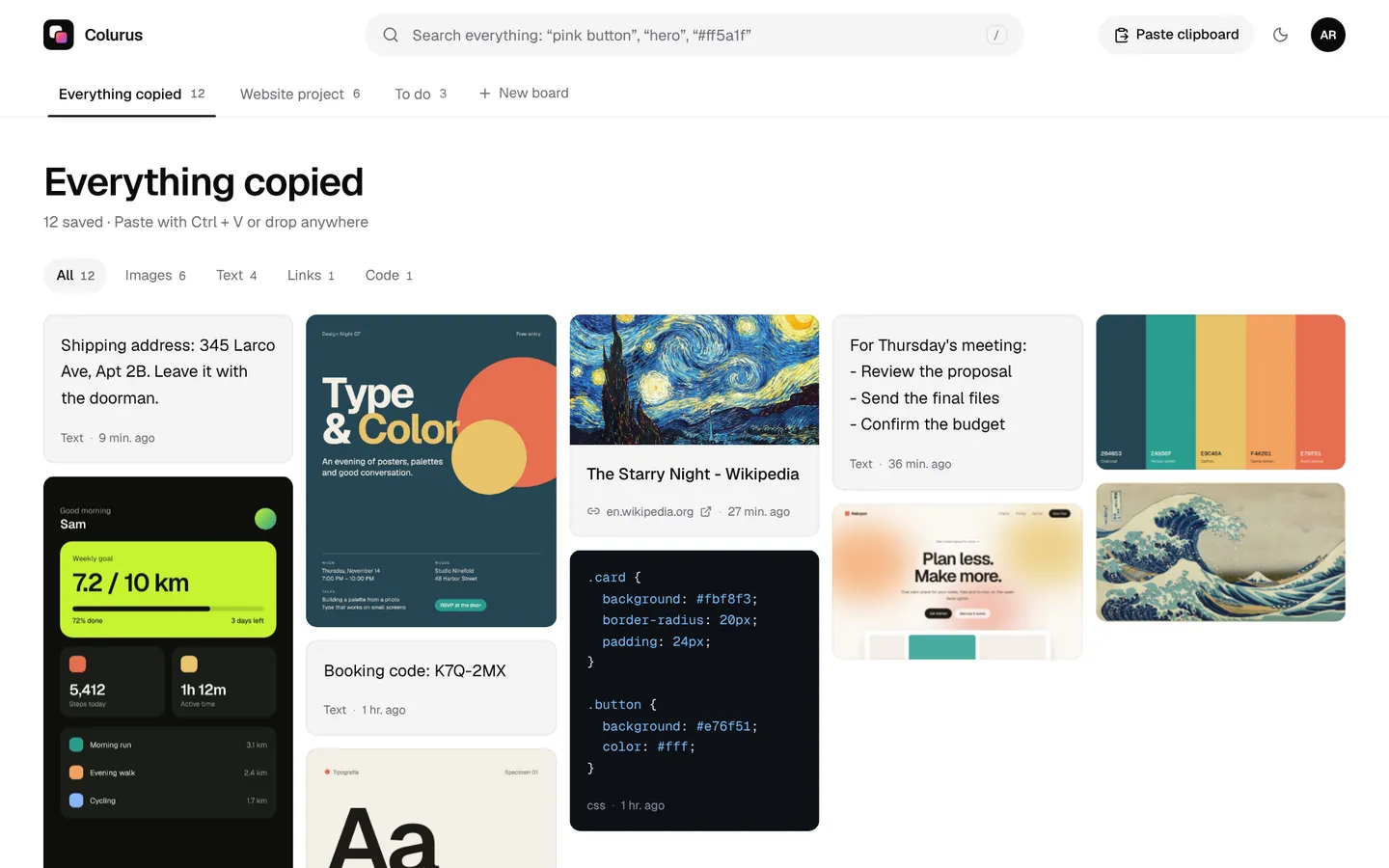
Colurus is a cloud clipboard with history. Paste a screenshot once and it's on your phone and your other computers, ready to copy back as PNG. AI reads the text in it, so you can find it later by searching a word.
Sign in with Google. Free: 200 items, 2 boards and AI on 10 images a day.
Try Colurus freeFrequently asked questions
How do I convert an image to PNG?
+
Paste it with Ctrl + V, drop it on this page or press Choose image. It turns into a PNG at once; press Download PNG to save it or Copy PNG to paste it somewhere else.
Which formats can I convert?
+
Anything your browser can open: JPG, WebP, AVIF, GIF, BMP, SVG and ICO, plus screenshots from the clipboard. HEIC photos from an iPhone open in Safari. From an animated GIF you get the first frame.
Is my image uploaded?
+
No. It's converted in your browser and stays on your device. It only leaves it if you press Save to Colurus.
Does it lose quality?
+
No. PNG is lossless and the image keeps its size in pixels. It doesn't add quality either: a blurry JPG stays blurry.
Does it keep the transparent background?
+
Yes. If the original has transparency, like a WebP or a GIF, the PNG keeps it.
Does it work on a phone?
+
Yes. Copy an image and tap Paste, or tap Choose image and pick one from your gallery. Then download or copy the PNG.
Is it free?
+
Yes, with no sign-up and no limit.