How to convert WebP to PNG
- 1Add the WebP image. Drop the .webp file anywhere on this page, press Choose WebP, or copy the image and paste it with Ctrl + V.
- 2It turns into a PNG at once, in your browser. You see the size in pixels and how much the PNG weighs.
- 3Download PNG or Copy PNG. The file keeps its name with .png at the end; Copy PNG puts it in your clipboard, ready to paste into a document, a chat or a design app.
Why do images save as WebP?
Many websites serve their images as WebP because it weighs less than JPG or PNG and pages load faster. So when you right-click an image and save it, you often get a .webp file instead of the PNG or JPG you expected.
The trouble starts later: some apps, older photo editors, print shops and upload forms don't accept WebP. Turning it into a PNG solves that, because PNG opens almost everywhere.
WebP to PNG with a transparent background
WebP can have a transparent background, like a logo or a sticker. The PNG keeps it exactly: what's transparent in the WebP is transparent in the PNG. You see it on the checkered background after converting.
If you'd rather have a smaller file and don't need transparency, PNG isn't always the lightest choice: a PNG usually weighs more than the WebP, because WebP compresses more.
Animated WebP
PNG holds a single image, so from an animated WebP you get one frame as a PNG, not the animation.
Nothing is uploaded
The WebP is converted in your browser. It doesn't reach our servers unless you choose to save it to Colurus, so you can convert images with private information.
Images you'll need again? Keep them in Colurus
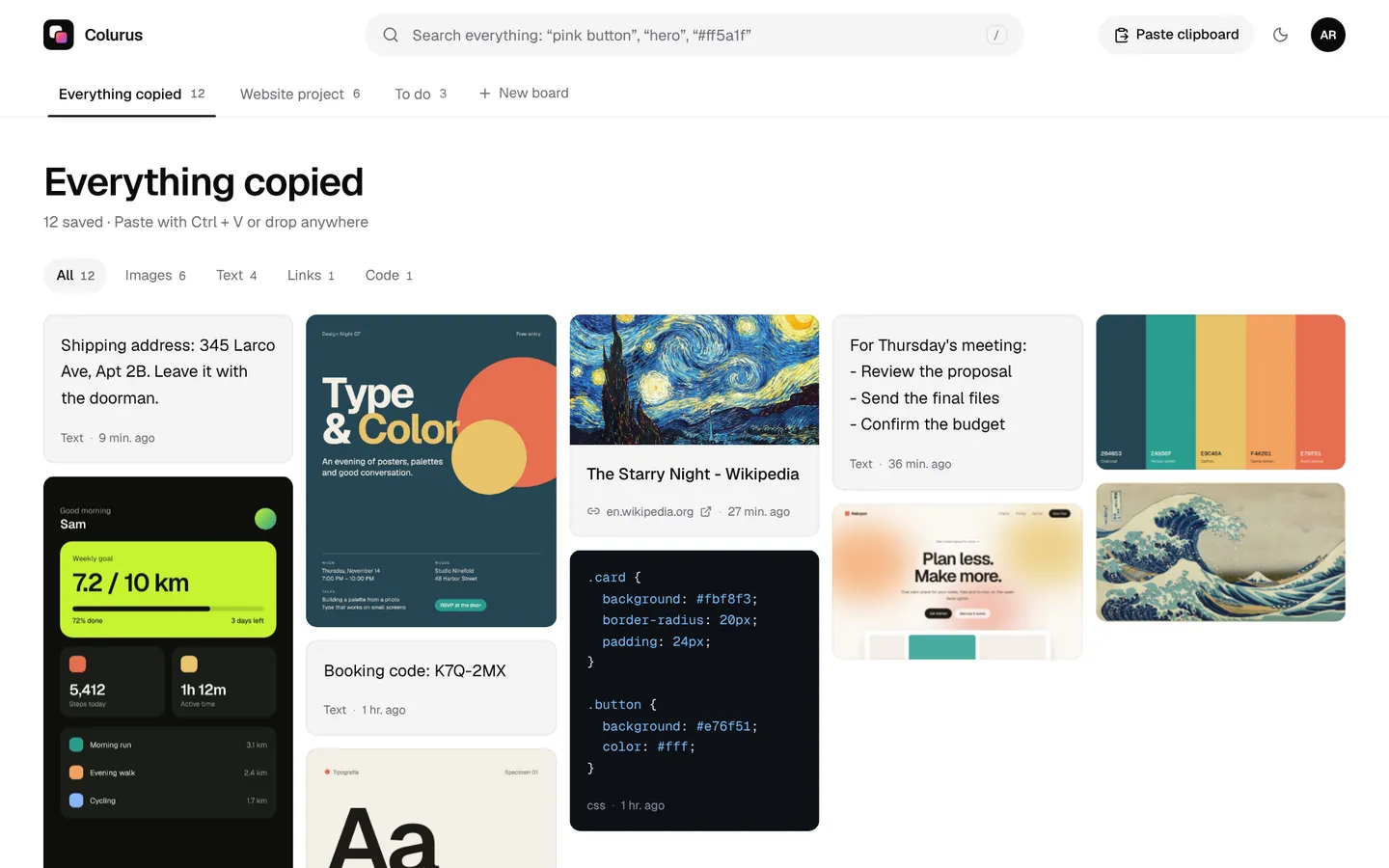
Colurus is a clipboard history in the cloud. Paste an image once and it's on your phone and your other computers, ready to copy back as PNG. AI reads the text in it and adds tags, so you can find it later by searching a word.
Sign in with Google. Free: 200 items, 2 boards and AI on 10 images a day.
Try Colurus freeFrequently asked questions
How do I convert WebP to PNG?
+
Drop the .webp file on this page, press Choose WebP or paste the image with Ctrl + V. It becomes a PNG at once; press Download PNG to save it or Copy PNG to paste it somewhere else.
Does WebP to PNG lose quality?
+
No. PNG is lossless and the image keeps its size in pixels, so it looks exactly like the WebP. It doesn't add quality either.
Does it keep the transparent background?
+
Yes. If the WebP has transparency, the PNG keeps it.
Why is the PNG bigger than the WebP?
+
WebP compresses more than PNG. The PNG has the same picture, it just takes more space. That's normal.
Can I convert several WebP files at once?
+
One at a time: convert one, download it, then choose or drop the next one. Each one takes a second.
Is my image uploaded?
+
No. It's converted in your browser and stays on your device. It only leaves it if you press Save to Colurus.
Does it work on an Android phone?
+
Yes. Tap Choose WebP and pick it from your gallery or your downloads, or copy the image and tap Paste. Then download or copy the PNG.
Can I convert other formats?
+
Yes. The same converter takes JPG, AVIF, GIF, BMP and screenshots from the clipboard. For photos there's also a JPG to PNG page.
Is it free?
+
Yes, with no sign-up and no limit.