How to convert JPG to PNG
- 1Add the JPG. Drop the .jpg or .jpeg file anywhere on this page, press Choose JPG, or copy the image and paste it with Ctrl + V.
- 2It turns into a PNG at once, in your browser. You see the size in pixels and how much the PNG weighs.
- 3Download PNG or Copy PNG. The file keeps its name with .png at the end; Copy PNG puts it in your clipboard, ready to paste anywhere.
JPEG to PNG: is it the same?
Yes. JPG and JPEG are the same format with two file endings, so this converter takes both. A .jpeg photo from your phone turns into a PNG exactly like a .jpg.
Does JPG to PNG make the background transparent?
No, and no converter does it on its own. A JPG has no transparency: its background is part of the picture, usually white. Converted to PNG, that background stays as it was. To get a transparent PNG, the background has to be removed with a background remover or an editor; after that, PNG is the right format to keep it.
When to turn a JPG into a PNG
When an app, a form or a template asks for PNG, or when you're going to edit the image several times: every time you save a JPG it loses a bit of quality, a PNG doesn't.
PNG doesn't make a photo look better, though. The PNG looks just like the JPG and usually weighs more, sometimes several times more. To send a photo by chat or email, the JPG is lighter.
Nothing is uploaded
The photo is converted in your browser. It doesn't reach our servers unless you choose to save it to Colurus, so you can convert personal photos and documents.
Photos and screenshots you'll need again? Keep them in Colurus
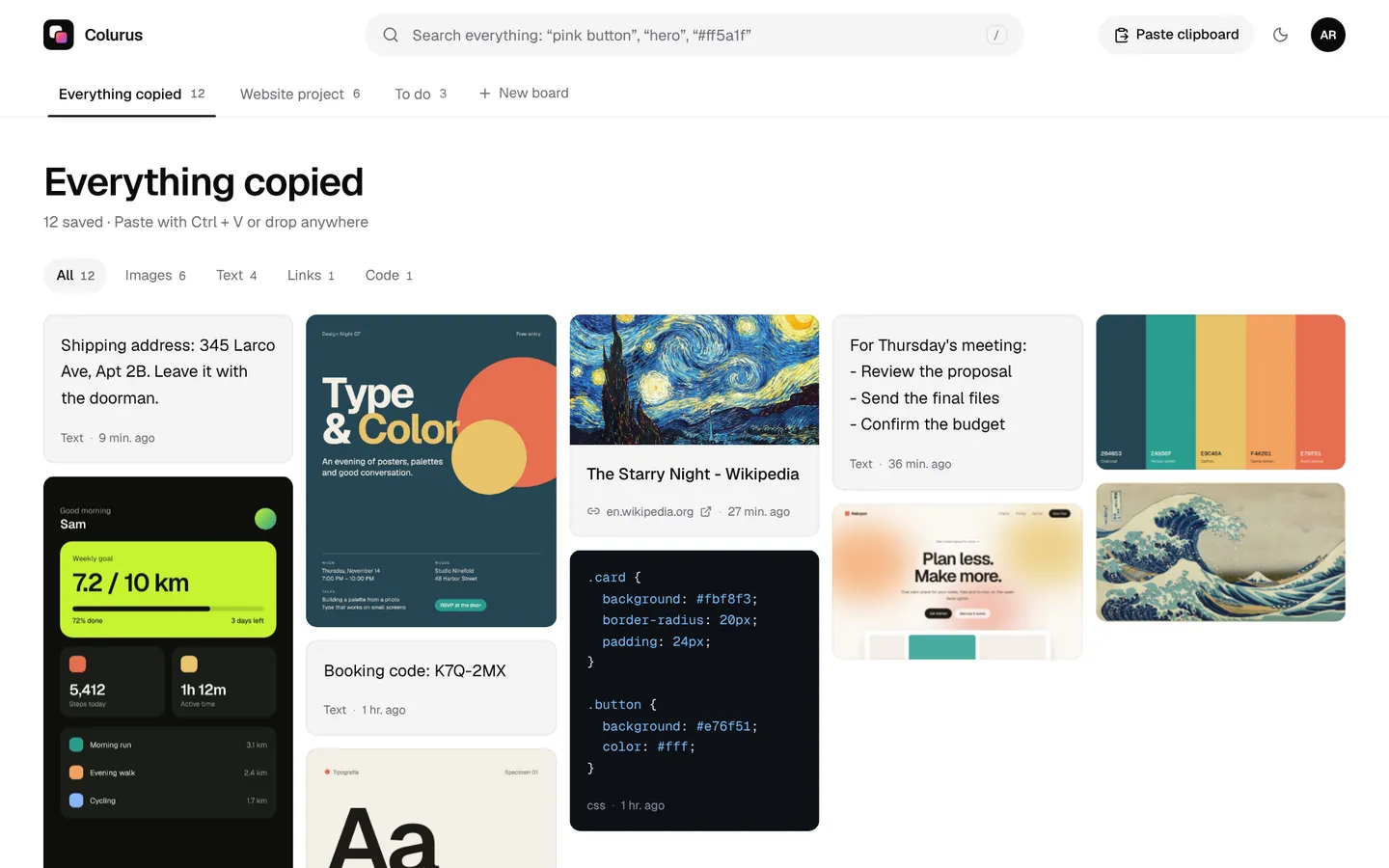
Colurus is a clipboard history in the cloud. Paste an image once and it's on your phone and your other computers, ready to copy back as PNG. AI reads the text in it and adds tags, so you can find it later by searching a word.
Sign in with Google. Free: 200 items, 2 boards and AI on 10 images a day.
Try Colurus freeFrequently asked questions
How do I convert JPG to PNG?
+
Drop the .jpg file on this page, press Choose JPG or paste the image with Ctrl + V. It becomes a PNG at once; press Download PNG to save it or Copy PNG to paste it somewhere else.
Can I convert JPEG to PNG here too?
+
Yes. JPEG and JPG are the same format; both work.
Does converting JPG to PNG lose quality?
+
No. The PNG keeps every pixel of the JPG at the same size. It doesn't improve it either: a blurry JPG stays blurry.
Will the PNG have a transparent background?
+
No. A JPG has no transparency, so its background, usually white, stays in the PNG. You need to remove the background first with another tool.
Why is the PNG so much bigger than the JPG?
+
JPG compresses photos by dropping detail you barely see; PNG keeps everything. Same picture, more space. That's normal.
Is my photo uploaded?
+
No. It's converted in your browser and stays on your device. It only leaves it if you press Save to Colurus.
Does it work on an Android phone?
+
Yes. Tap Choose JPG and pick the photo from your gallery, or copy it and tap Paste. Then download or copy the PNG.
Is it free?
+
Yes, with no sign-up and no limit.