How to convert HEIC to JPG
- 1Add your HEIC photos. Drop the .heic files anywhere on this page, or press Choose HEIC photos and pick several at once.
- 2They turn into JPG one by one, in your browser. The first time it takes a few seconds to get the converter ready.
- 3Download JPG, one by one or all at once. Each file keeps its name with .jpg at the end.
Why are iPhone photos HEIC?
Since iOS 11, the iPhone camera saves photos as HEIC (High Efficiency Image Format) by default. A HEIC photo weighs about half of the same photo as JPG, so more fit on the phone and in iCloud.
The trouble is on Windows. When you copy iPhone photos to a PC, or download them from iCloud, they often arrive as .heic files that Windows doesn't open on its own: the Photos app asks for the HEIF and HEVC extensions from the Microsoft Store (the HEVC one is paid), and many websites, forms and older programs don't accept HEIC at all. JPG opens everywhere.
Make your iPhone send JPG instead
Two settings on the iPhone avoid HEIC on your PC:
- Settings → Photos → Transfer to Mac or PC → Automatic. When you copy photos with a cable, the iPhone converts them to JPG on the way.
- Settings → Camera → Formats → Most Compatible. New photos are saved as JPG from the start. They take more space on the phone.
For a few photos without a cable, our page to send photos from iPhone to PC hands them over in a format Windows opens, with a 6-character code.
Does HEIC to JPG lose quality?
Very little. The JPG keeps the size in pixels and is saved at high quality (92%), so you won't see a difference on screen or in print. It will usually weigh more than the HEIC, because HEIC compresses better.
Nothing is uploaded
The photos are converted in your browser. They don't reach our servers unless you choose to save them to Colurus, so you can convert personal photos and documents.
Move photos from your iPhone to your PC often? Colurus does it without files
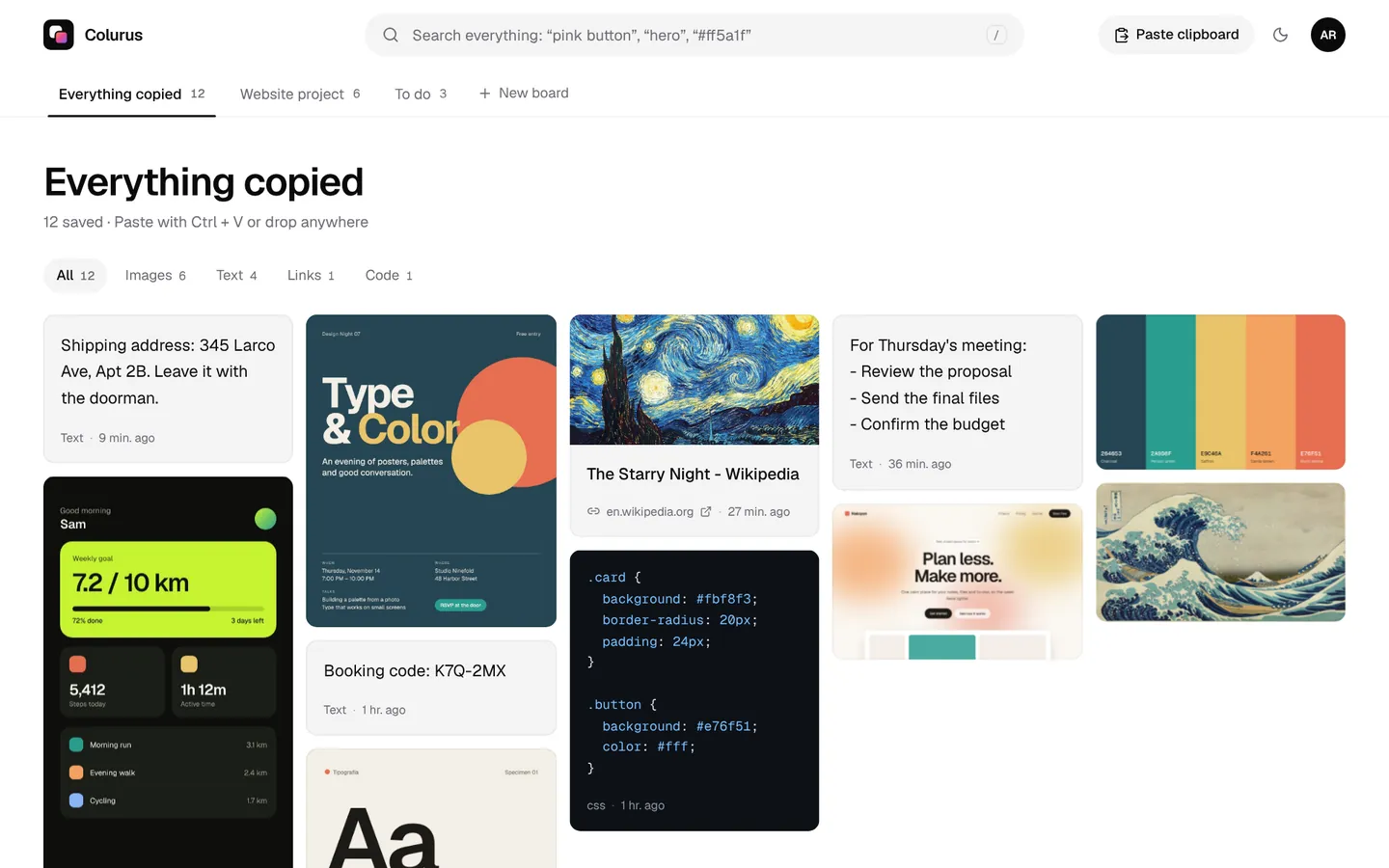
Colurus is a clipboard history in the cloud. Choose a photo or a screenshot on your iPhone and it's on your Windows PC, ready to copy or download. Texts and links too. It works on iPhone, Android and PC, in the browser.
Sign in with Google. Free: 200 items, 2 boards and AI on every image you save.
Try Colurus freeYour clipboard history, in Chrome too
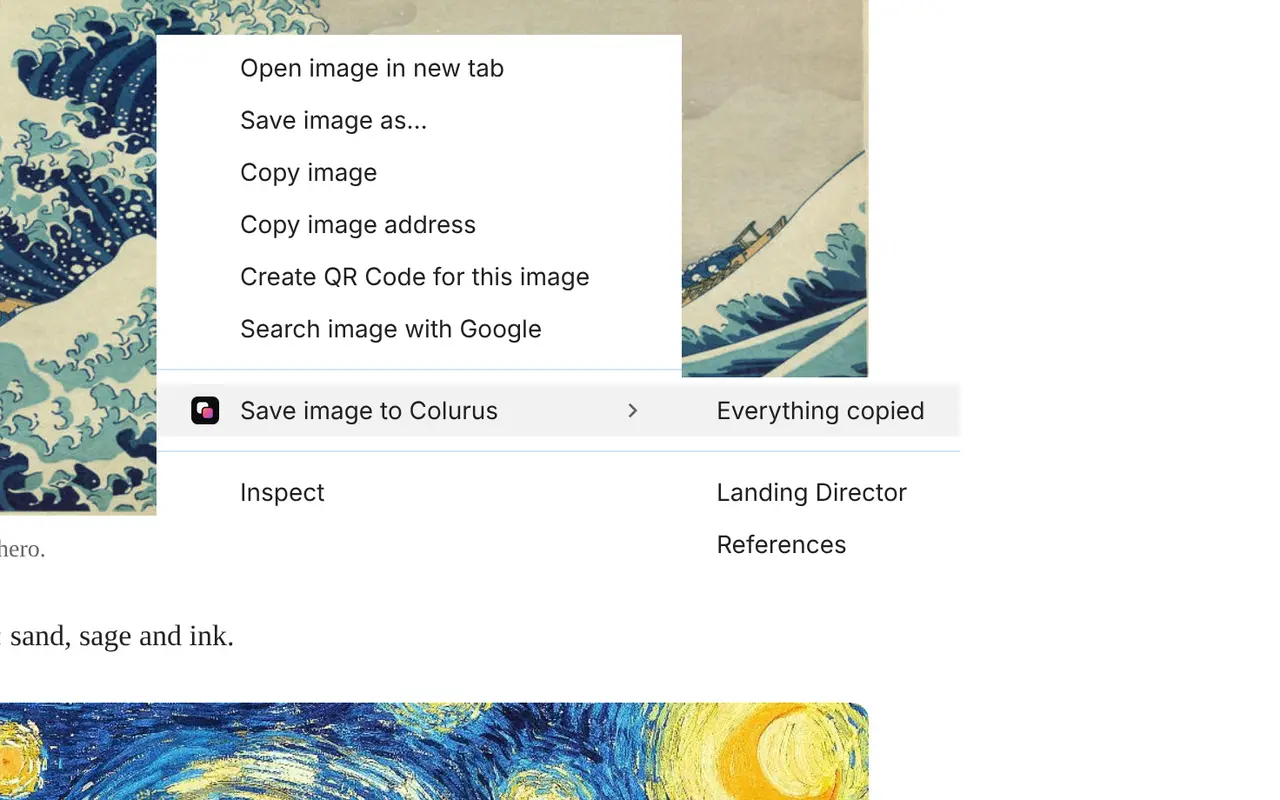
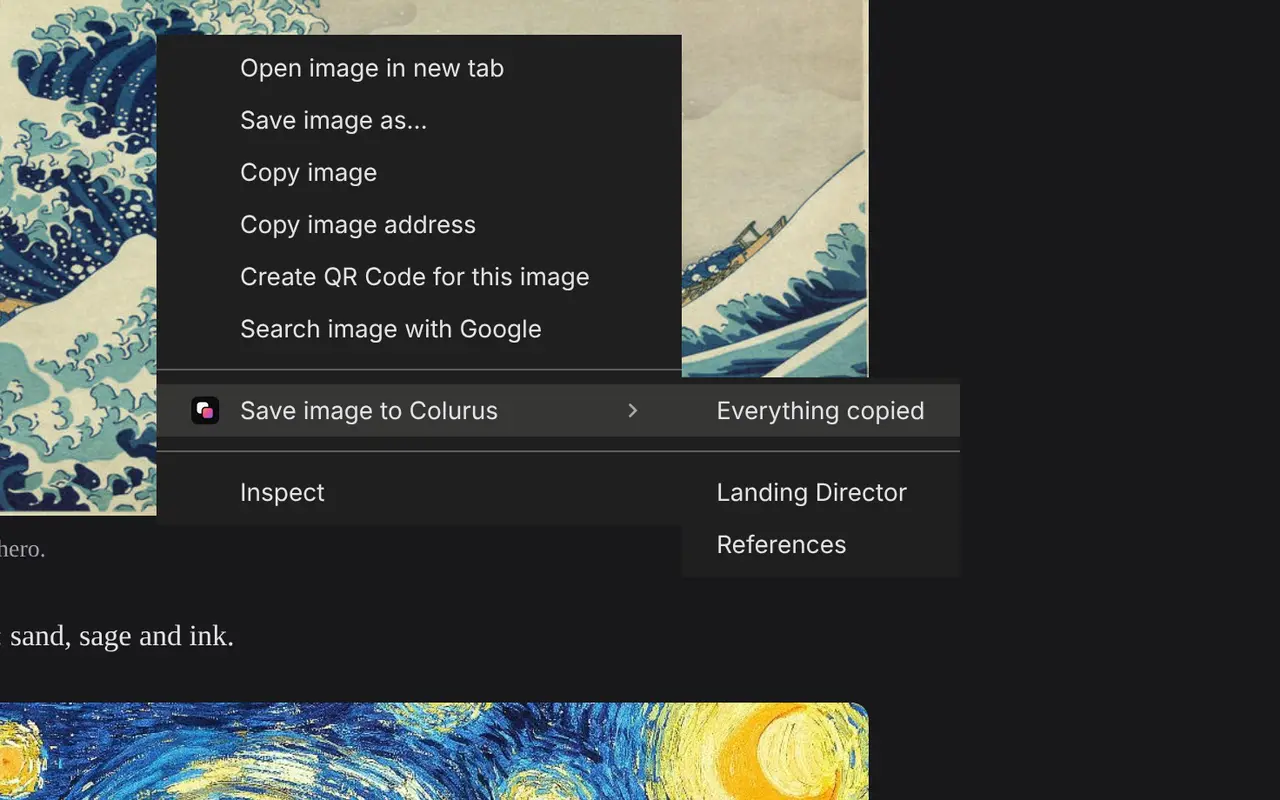
Save text, links and images from any page with a right-click, and copy them back from the popup or the side panel without leaving the tab. What you save stays in your Colurus, on your phone too.
Frequently asked questions
How do I convert HEIC to JPG?
+
Drop the .heic files on this page or press Choose HEIC photos. They turn into JPG in your browser; press Download JPG for each one, or Download all.
Can I convert several HEIC photos at once?
+
Yes, up to 30 at a time. Choose or drop them together and download them all with one button.
Does it work on Windows?
+
Yes. It runs in Chrome, Edge or Firefox on Windows, with nothing to install and no Microsoft Store extensions.
Are my photos uploaded?
+
No. They're converted in your browser and stay on your device. They only leave it if you press Save to Colurus.
Does it lose quality?
+
Barely: the JPG keeps the size in pixels and is saved at high quality. It usually weighs more than the HEIC.
How do I stop my iPhone from taking HEIC photos?
+
Go to Settings → Camera → Formats and choose Most Compatible. To get JPG only when copying to a PC, set Settings → Photos → Transfer to Mac or PC to Automatic.
What about HEIF files?
+
HEIF is the same family as HEIC. Both work here.
Is it free?
+
Yes, with no sign-up and no limit.