How to save a screenshot as PNG
- 1Take the screenshot. On Windows, press Win + Shift + S and drag over what you want. On a Mac, press Cmd + Ctrl + Shift + 4. Either way the screenshot goes to your clipboard, not to a file.
- 2Paste it here with Ctrl + V (Cmd + V on a Mac). It turns into a PNG at once, at the same size in pixels.
- 3Download PNG or Copy PNG. Download saves a file named screenshot with the date and time; Copy puts the PNG back in your clipboard, ready for Slack, Docs, Figma or a chat.
Screenshot shortcuts on Windows, Mac, iPhone and Android
Every system takes screenshots in its own way, and not all of them leave a file. These are the shortcuts and where each screenshot ends up:
| Screenshot | Shortcut | Where the screenshot goes | To get the PNG here |
|---|---|---|---|
| Windows: an area | ShortcutWin + Shift + S | Where the screenshot goesClipboard (Windows 11 also saves it in Pictures › Screenshots) | To get the PNG hereCtrl + V on this page |
| Windows: Print Screen | ShortcutPrtScn | Where the screenshot goesOn Windows 11 it opens the same area picker; set to the old way, it copies the whole screen | To get the PNG hereCtrl + V on this page |
| Windows: one window | ShortcutAlt + PrtScn | Where the screenshot goesClipboard | To get the PNG hereCtrl + V on this page |
| Windows: whole screen to a file | ShortcutWin + PrtScn | Where the screenshot goesA PNG in Pictures › Screenshots | To get the PNG hereIt's already a PNG |
| Mac: an area, copied | ShortcutCmd + Ctrl + Shift + 4 | Where the screenshot goesClipboard | To get the PNG hereCmd + V on this page |
| Mac: an area, as a file | ShortcutCmd + Shift + 4 | Where the screenshot goesA file on the Desktop | To get the PNG hereDrop the file on this page |
| iPhone | ShortcutSide button + volume up | Where the screenshot goesPhotos | To get the PNG hereCopy it and tap Paste, or Choose screenshot |
| Android | ShortcutPower + volume down | Where the screenshot goesGallery › Screenshots | To get the PNG hereCopy it and tap Paste, or Choose screenshot |
Paste to PNG: turn your clipboard into a PNG file
Win + Shift + S, Alt + Print Screen and Cmd + Ctrl + Shift + 4 copy the screenshot to the clipboard. To get a file out of it, the usual trick was to open Paint, paste and choose Save as PNG. This page does the same in one step: press Ctrl + V and then Download PNG.
It works with anything you copy as an image, not only screenshots: an image copied from a website, from a PDF or from a chat also becomes a PNG when you paste it here.
Print Screen to PNG on Windows
On Windows 11, the Print Screen key opens the screen capture tool, the same as Win + Shift + S: pick an area and it's copied. If your PC has it set the old way, Print Screen copies the whole screen and Alt + Print Screen only the window in front. In both cases, paste it here with Ctrl + V to get the PNG.
Win + Print Screen is the exception: it saves the whole screen straight to a PNG file in Pictures › Screenshots, so that one is already a PNG.
Screenshot to PNG on iPhone and Android
On an iPhone, press the side button and volume up at the same time. On Android, press power and volume down. The screenshot is saved in your photos.
To get it as a PNG, copy it and tap Paste on this page, or tap Choose screenshot and pick it from your gallery. Then tap Download PNG. Some Android phones, like many Samsung models, save screenshots as JPG; and a screenshot sent through WhatsApp or Messenger arrives as a compressed JPG. Passing it through here gives you a PNG again, although it won't get back the detail the JPG already lost.
Why save a screenshot as PNG and not JPG
Screenshots are mostly text, icons and flat colors. PNG keeps every pixel exactly, so the letters stay sharp. JPG is made for photos: it blurs the edges of the text and adds smudges around them, and a screenshot full of text often weighs even less as a PNG.
For a photo of the real world it's the other way around: JPG weighs much less. To convert photos and other formats, use Image to PNG, which takes JPG, WebP, AVIF and GIF.
Your screenshot isn't uploaded
Screenshots often show private things: chats, emails, bank details. Here the conversion happens in your browser; the screenshot doesn't reach our servers unless you choose to save it to Colurus.
Take a lot of screenshots? Keep them in Colurus
Colurus is a clipboard history in the cloud. Paste a screenshot once and it's on your phone and your other computers, ready to copy back as PNG. AI reads the text in it, so you can find it later by searching a word that appears in the screenshot.
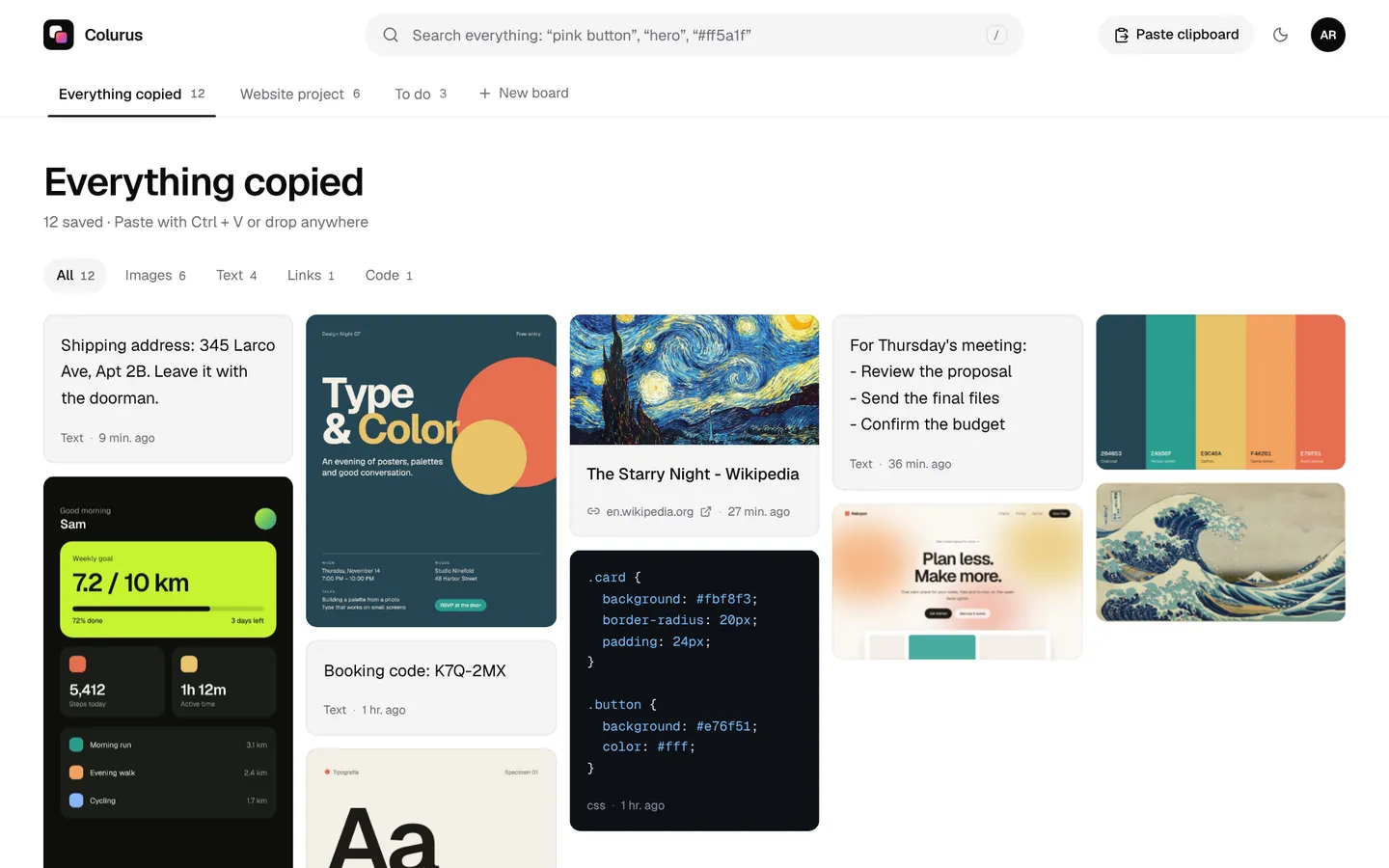
Sign in with Google. Free: 200 items, 2 boards and AI on 10 images a day.
Try Colurus freeYour clipboard history, in Chrome too
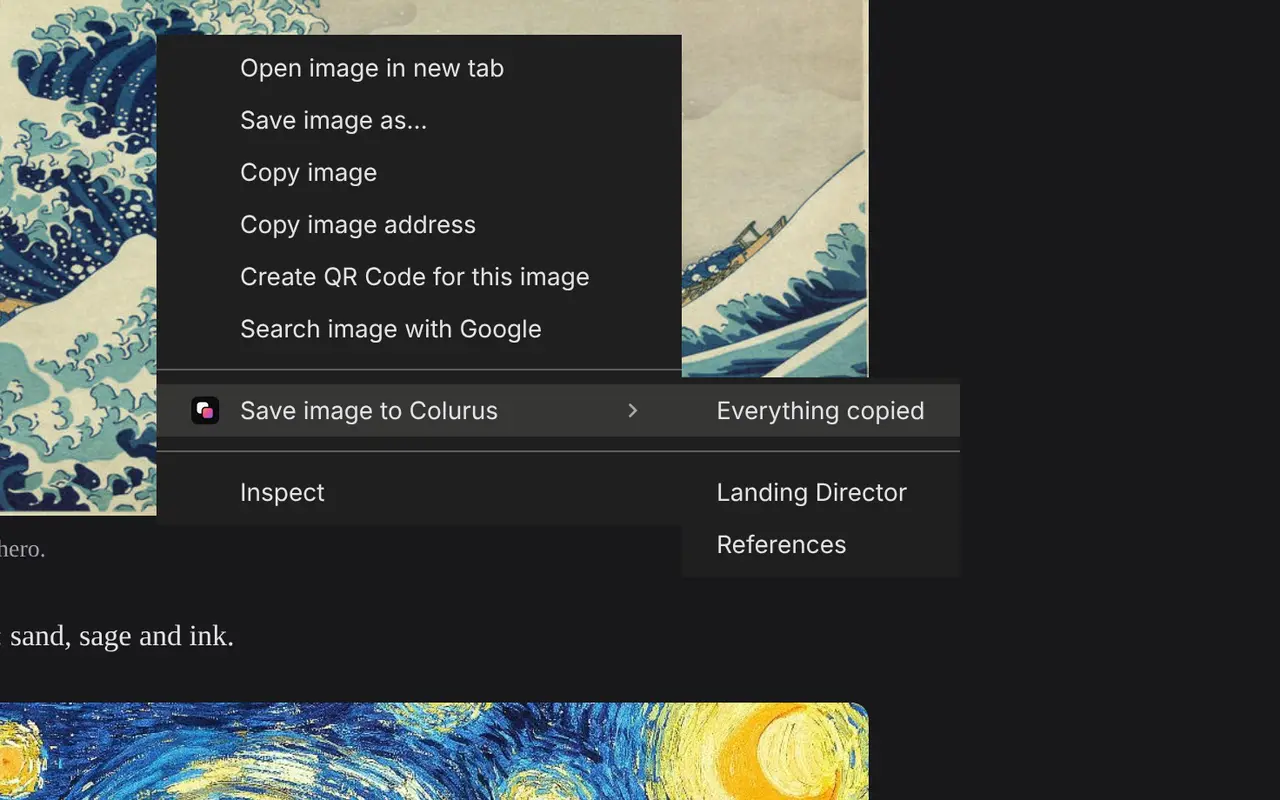
Save text, links and images from any page with a right-click, and copy them back from the popup or the side panel without leaving the tab. What you save stays in your Colurus, on your phone too.
Add to Chrome, free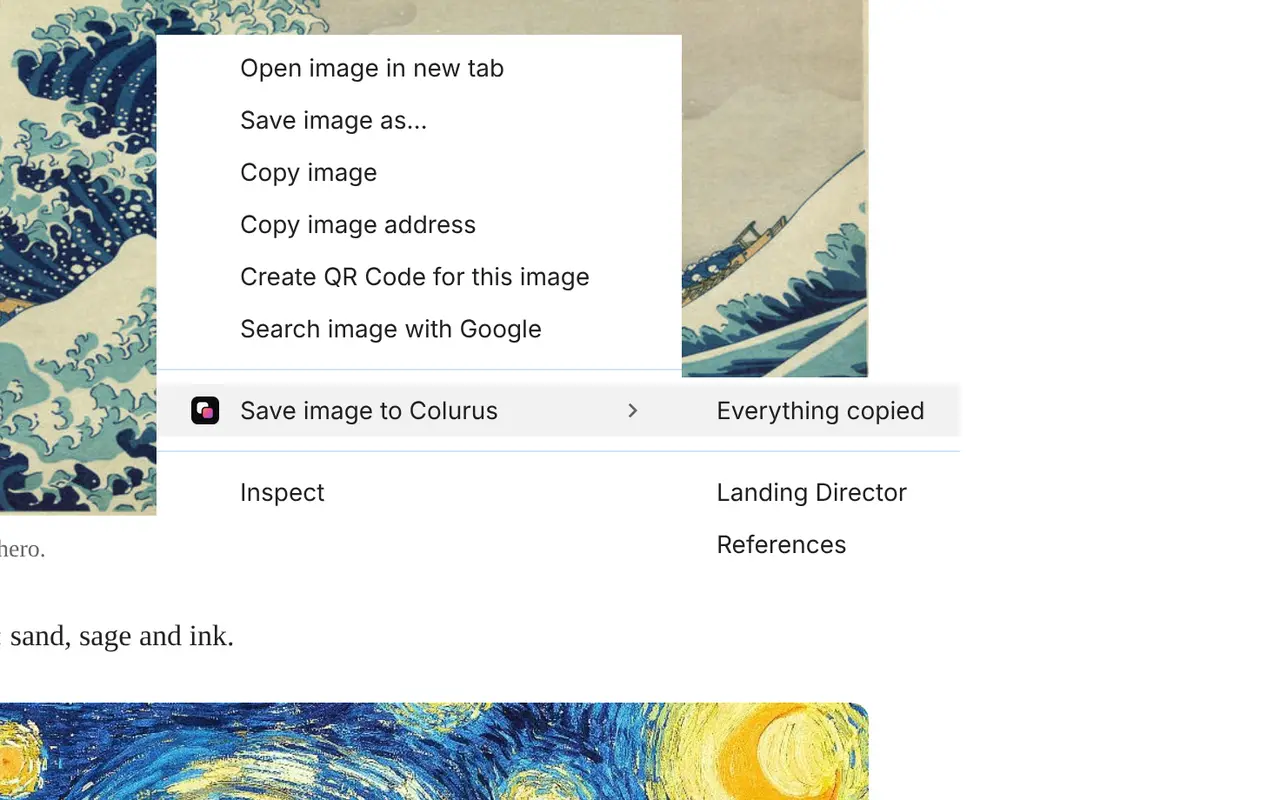
Frequently asked questions
How do I convert a screenshot to PNG?
+
Take the screenshot with Win + Shift + S (Windows) or Cmd + Ctrl + Shift + 4 (Mac), paste it on this page with Ctrl + V and press Download PNG. If it's already a file, drop it on the page or press Choose screenshot.
How do I save what's on my clipboard as a PNG file?
+
Paste it here with Ctrl + V and press Download PNG. Windows and Mac can't save the clipboard as a file on their own; you'd need to paste it into Paint or Preview first.
Where does Print Screen save the screenshot?
+
Print Screen and Alt + Print Screen copy it to the clipboard; on Windows 11, Print Screen opens the area picker and also saves it in Pictures › Screenshots. Win + Print Screen saves the whole screen as a PNG in Pictures › Screenshots.
Why is my screenshot a JPG?
+
Some phones save screenshots as JPG, and apps like WhatsApp turn them into JPG when you send them. Paste or choose it here to get a PNG.
Is PNG better than JPG for screenshots?
+
Yes. PNG keeps text and icons sharp, with no blur around the letters. JPG is better for photos.
Does it keep the full size?
+
Yes. The PNG has exactly the same pixels as the screenshot you pasted.
Is my screenshot uploaded?
+
No. It's converted in your browser and stays on your device. It only leaves it if you press Save to Colurus.
Can I copy the screenshot as PNG instead of downloading it?
+
Yes. Press Copy PNG and paste it wherever you need it: a chat, an email, a document or a design app.
Can I convert a JPG or WebP image too?
+
Yes, it takes any image your browser opens. For photos and other formats there's also Image to PNG, JPG to PNG and WebP to PNG.
Is it free?
+
Yes, with no sign-up and no limit.